Logon to 1Archive
From 1Archive help
Revision as of 17:00, 23 March 2018 by Nele.scherrens (talk | contribs)
Depending on your accountancy package, go to the following internet address in order to login to 1Archive.
Enter your username and password to login.
 |
For first time use, username and password will be provided by Onea. Via “My account” you will be able to change your password. |
If you select “Remember me”, the system will remember your login.
This means you don’t need to login again when you're revisiting the site after closing your browser.
 |
In case you clicked “Logout”, you have to login again. |
Use the “Forgot your password?” link if you have forgotten your password. An e-mail with a recovery link will be sent to the e-mail address which was defined for the requested user.
 |
If you didn't receive an e-mail within 5 minutes, please check your spam folder. |
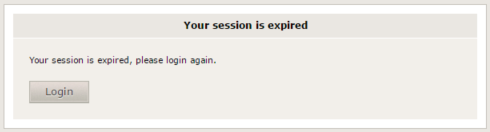
If you were inactive for 30 minutes, 1Archive will tell you that your session is expired. Click "Login" to login again. Following message appears on the screen: